For couples and adults sharing a home who want the housework split in writing
A chore chart for adults: who does what, and on which day
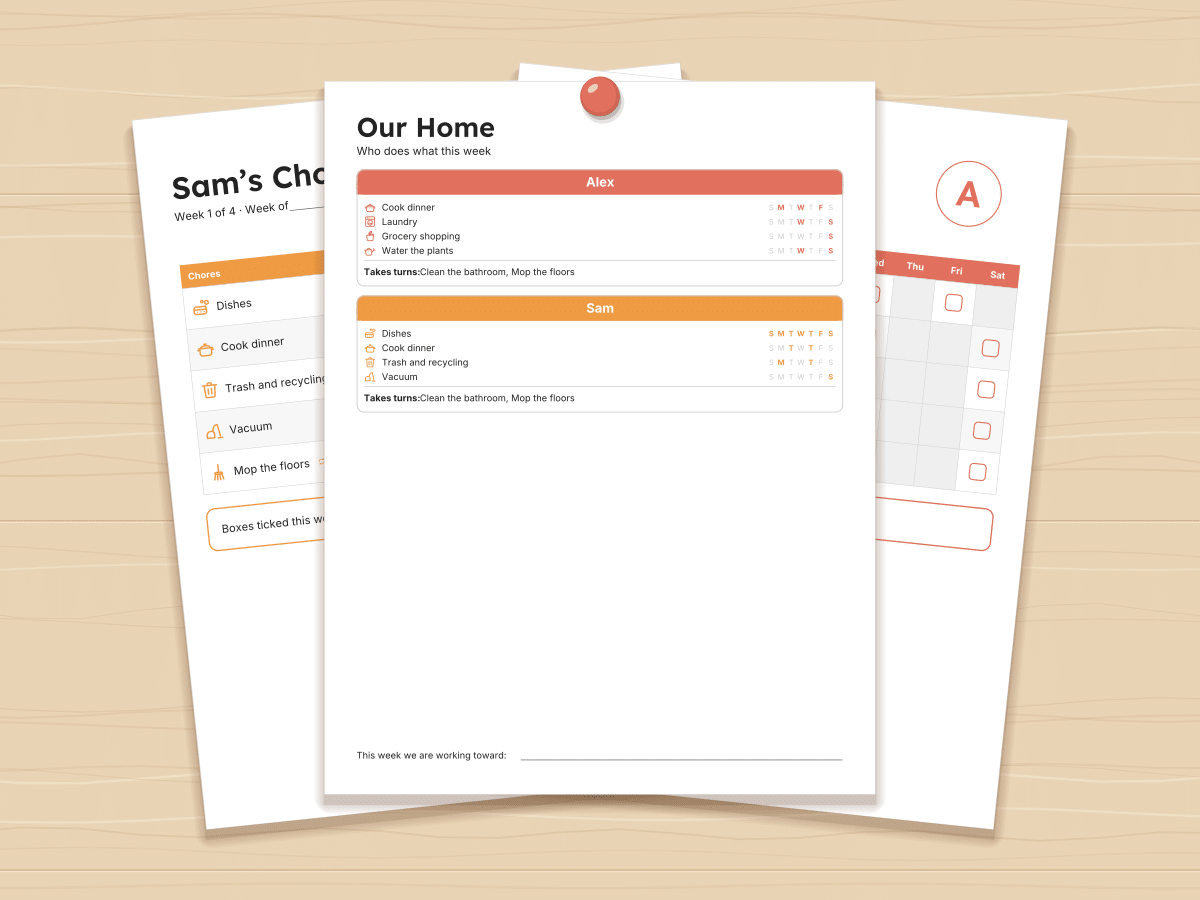
Type both names, tap your jobs from the adult list and set the days. Each of you gets a page in the plain Minimal theme, and the family page puts the whole week on one sheet for the fridge.
Page 1 of 10
Family page
Start with your kids’ names
Alex
Sam
Family Pack · $12
The fifteen chores on the adult list
The adult list in the form holds fifteen household chores, each with a line icon and default days you can change.
Every day
- DishesEvery day
- Cook dinnerEvery day
- Wipe the kitchen countersEvery day
- Pet careEvery day
Twice a week
- LaundryWed, Sat
- Trash and recyclingMon, Thu
- Water the plantsWed, Sat
Once a week
- VacuumSat
- Mop the floorsSat
- Clean the bathroomSat
- Grocery shoppingSat
- Clean out the fridgeSun
- DustSat
- Yard workSat
- Change the sheetsSun
Tap a chore and it lands on that person's page with these days set. Switch any of them to weekdays, weekends, once a week by a set day, or the days you pick.
Missing something, like paying the bills? Type it in. A typed job takes its icon from a word in the text, or a star when no word matches, and you can tap the icon to pick another. Each person has room for 12 rows.
Example: Alex and Sam split the week
In the adults example, Alex and Sam each keep four regular jobs, and the two jobs they share, the bathroom and the floors, change hands every week.
Alex
- Cook dinnerMon, Wed, Fri
- LaundryWed, Sat
- Grocery shoppingSat
- Water the plantsWed, Sat
Sam
- DishesEvery day
- Cook dinnerTue, Thu
- Trash and recyclingMon, Thu
- VacuumSat
Alex cooks on Monday, Wednesday and Friday and Sam on Tuesday and Thursday, so every weeknight has a cook. Sam does the dishes daily; Alex has the laundry and the groceries.
Four weeks of turns
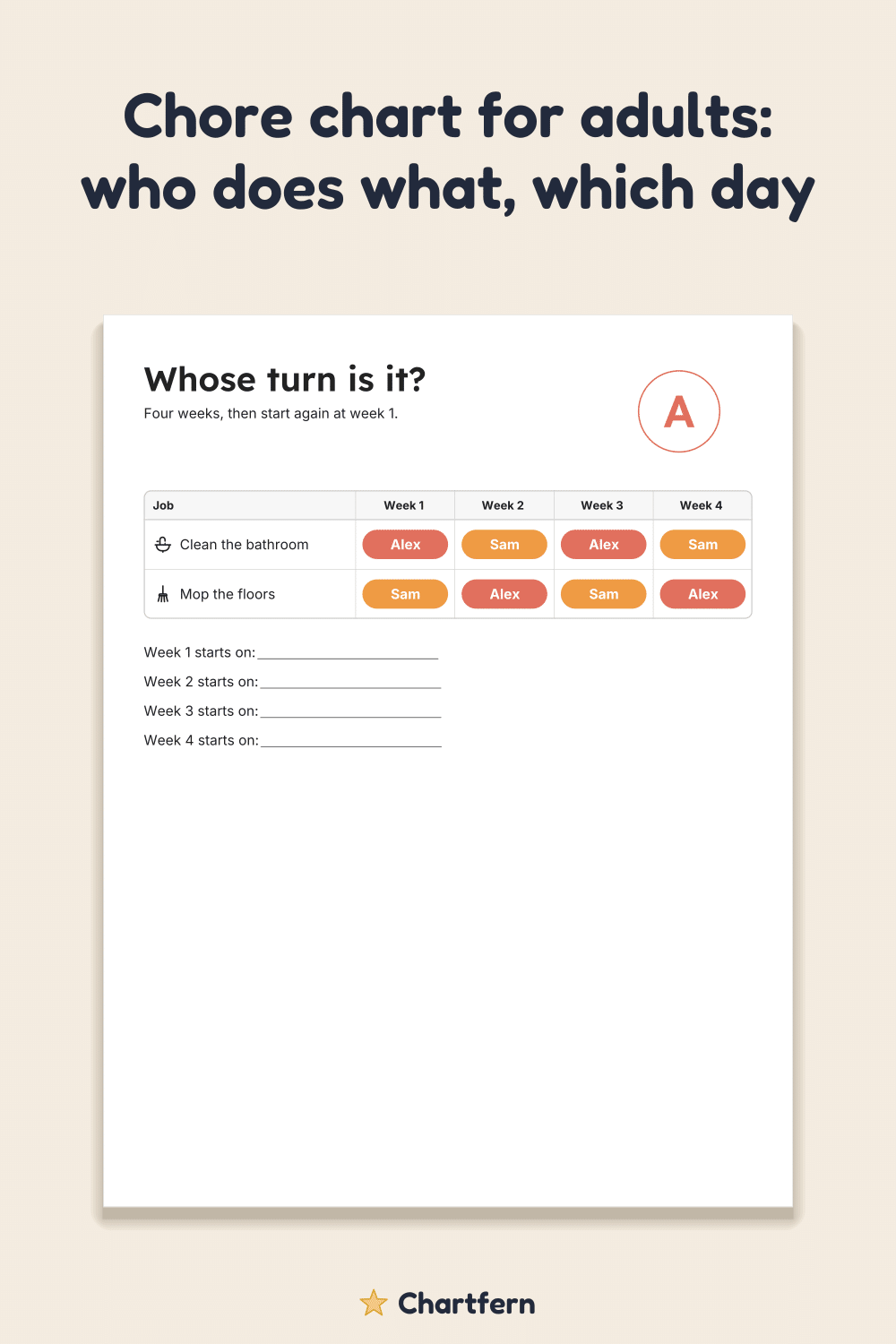
| Job | Week 1 | Week 2 | Week 3 | Week 4 |
|---|---|---|---|---|
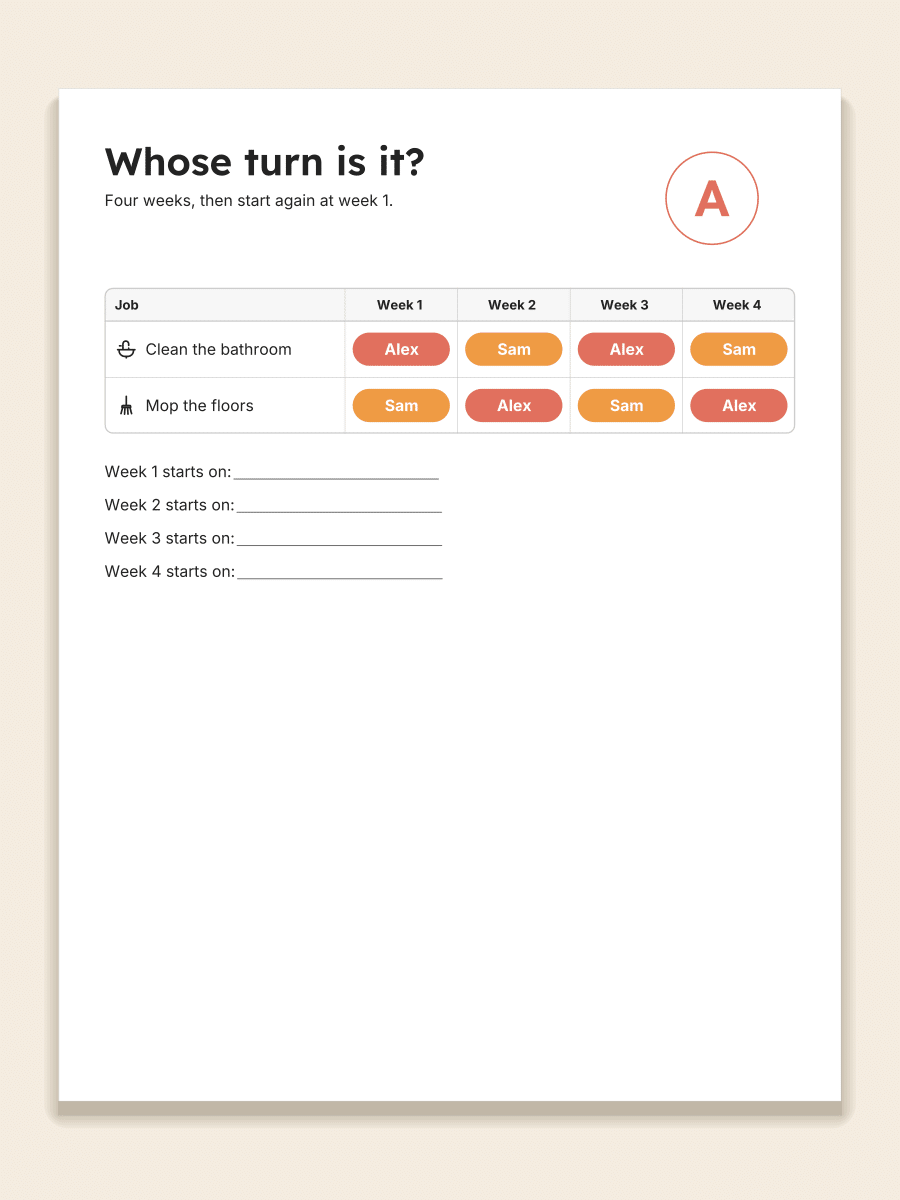
| Clean the bathroom | Alex | Sam | Alex | Sam |
| Mop the floors | Sam | Alex | Sam | Alex |
Each week every shared job moves to the next person in the order of the form. With two people and two shared jobs, the bathroom and the floors trade places every week, and after week 4 you start again at week 1.
With rotation on, each of you gets four weekly pages. The shared job of that week comes after your own chores, with a small turn mark beside it.
The family page: one sheet for the fridge
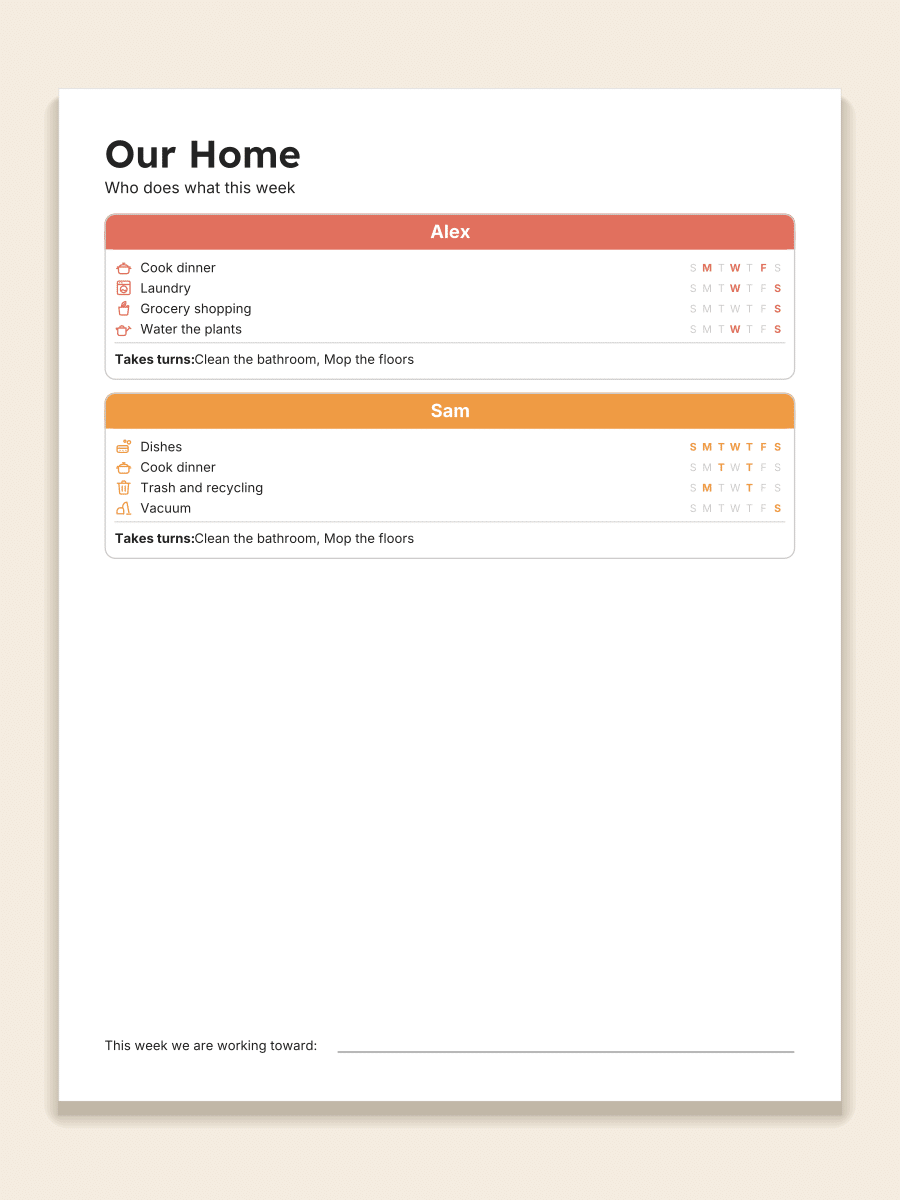
The family page puts everyone in the household on one sheet, so a single page on the fridge shows who does what this week.
Each person gets a card with a bar in their own color, their jobs, and the seven day letters with the active days in bold. Shared jobs sit under a thin line marked Takes turns.
Whose turn it is lives on the rotation page, so the family page stays correct for all four weeks. Both pages come with the Family Pack and the Family Year Bundle.
A weekly cleaning schedule from the adult list
This weekly cleaning schedule uses the default days of all fifteen adult chores, with one row per chore and one column per day.
| Chore | Sun | Mon | Tue | Wed | Thu | Fri | Sat |
|---|---|---|---|---|---|---|---|
| Dishes | Due | Due | Due | Due | Due | Due | Due |
| Laundry | Due | Due | |||||
| Cook dinner | Due | Due | Due | Due | Due | Due | Due |
| Trash and recycling | Due | Due | |||||
| Vacuum | Due | ||||||
| Mop the floors | Due | ||||||
| Clean the bathroom | Due | ||||||
| Grocery shopping | Due | ||||||
| Wipe the kitchen counters | Due | Due | Due | Due | Due | Due | Due |
| Clean out the fridge | Due | ||||||
| Dust | Due | ||||||
| Water the plants | Due | Due | |||||
| Pet care | Due | Due | Due | Due | Due | Due | Due |
| Yard work | Due | ||||||
| Change the sheets | Due | ||||||
| Jobs that day | 6 | 5 | 4 | 6 | 5 | 4 | 12 |
With the default days, 12 of the 15 chores land on a Saturday. Move a few to quieter days in the form, and their boxes move with them.
Split the rows between you and the schedule prints as one page per person plus the family page. One page holds up to 12 rows if you would rather keep a single schedule for the home.
A clean design without cartoons
The adults example uses the Minimal theme: plain type, thin gray lines and one accent color per person.
Where the other themes have a drawing in the header, Minimal has a thin circle with the person's initial. Tick boxes take the place of stars, and the bottom line counts how many you ticked.
If "chores" sounds like a word for kids, the title can read Jobs, Responsibilities or To-Dos instead, as in Sam's To-Dos.
Questions parents ask
Is there a chart for adults or roommates?
Yes. Choose the age group "Adult", the Minimal theme and, if you like, rotation for shared jobs.
Can chores be on some days only?
Yes. Each chore can be daily, on weekdays, on weekends, once a week by a set day, or on the days you choose. A star or box appears only on those days.
Can I print a fresh chart every week?
Yes. Your download link works for 12 months and you can print as many copies as you like for your own household.
Save it for later
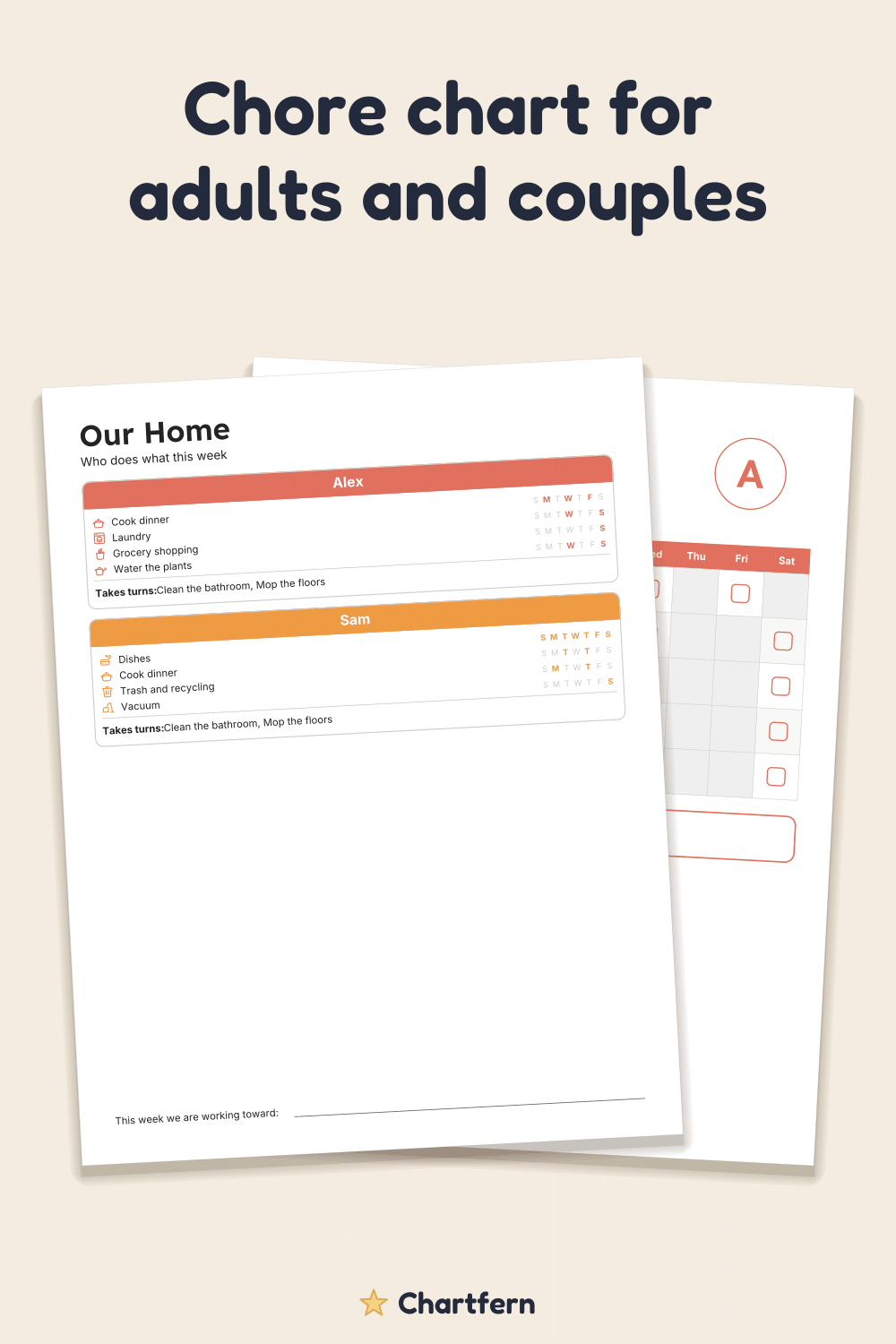
Two tall pictures of this chart, sized for a Pinterest board.
Write down who does what, then print it
The adults example is already in the maker. Change the names, tap your own jobs and days, and print US Letter or A4 in color or black-and-white.
Make my chart