For parents with two to six kids who want one chart for the whole house
One family chore chart, one page for every child
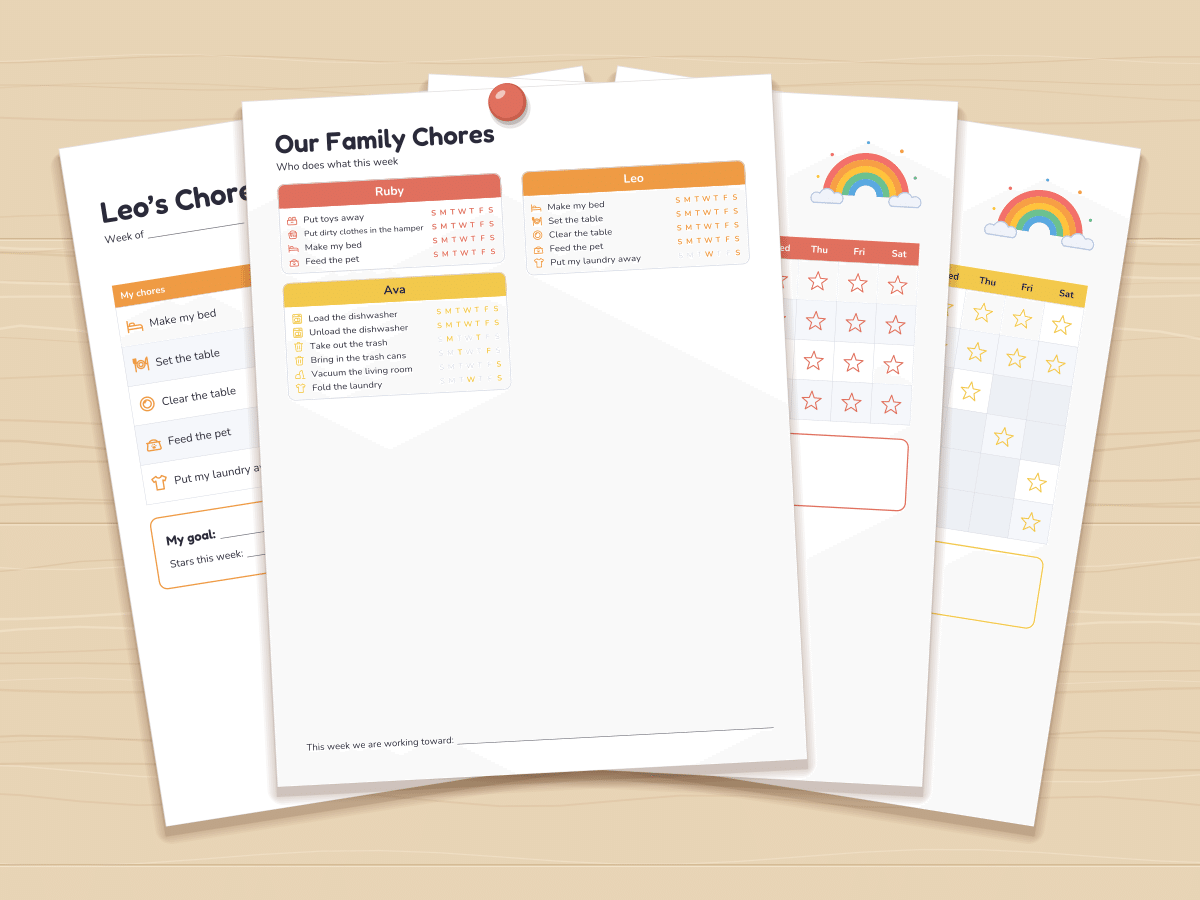
Type up to six names and tap each person's chores. You get one page for every child and a family page that shows who does what.
Page 1 of 10
Family page
Start with your kids’ names
Ruby
Leo
Ava
Family Pack · $12
A page for every child and one for the fridge
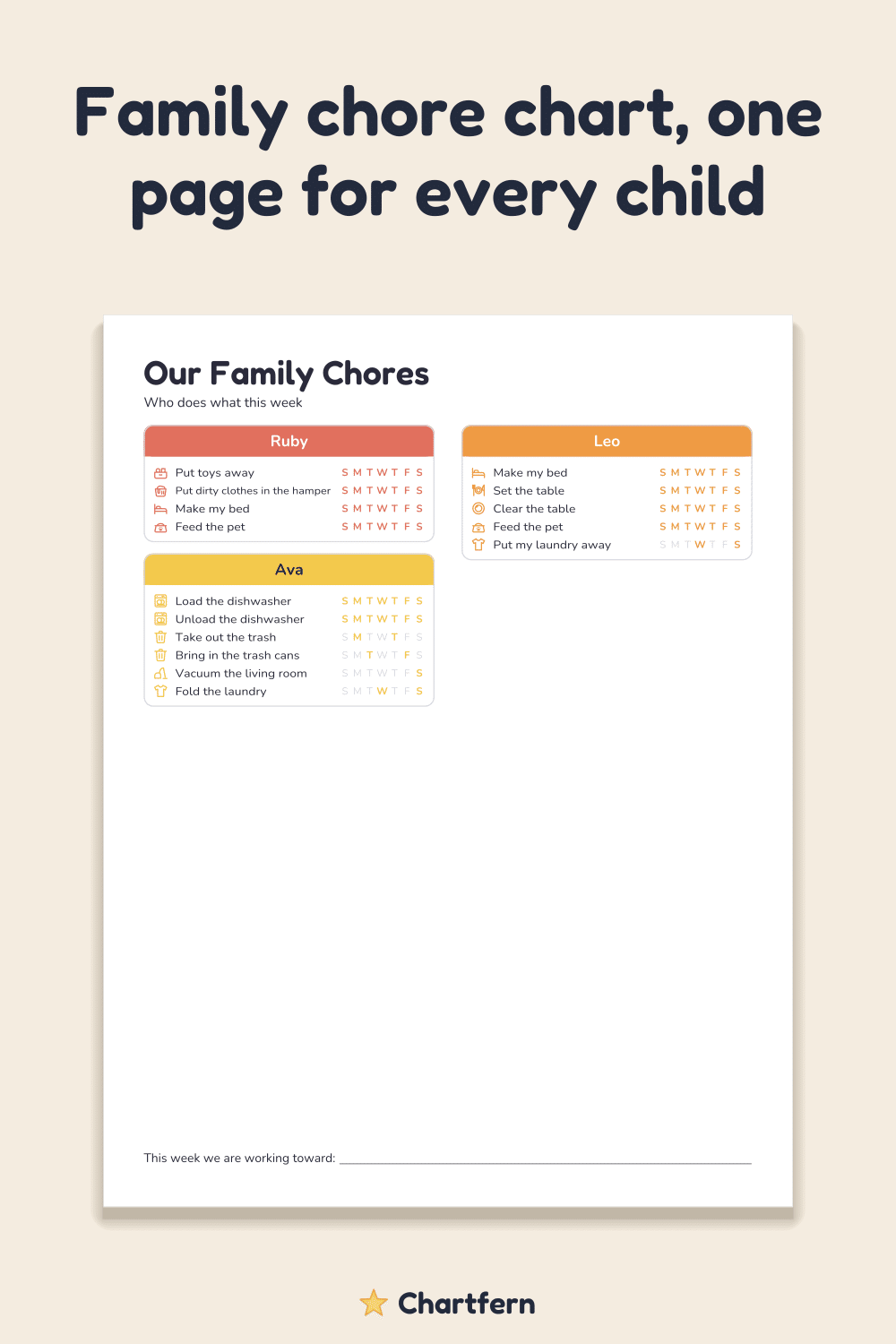
A family chore chart here is a set of pages: one weekly page for each child and one family page that shows everyone.
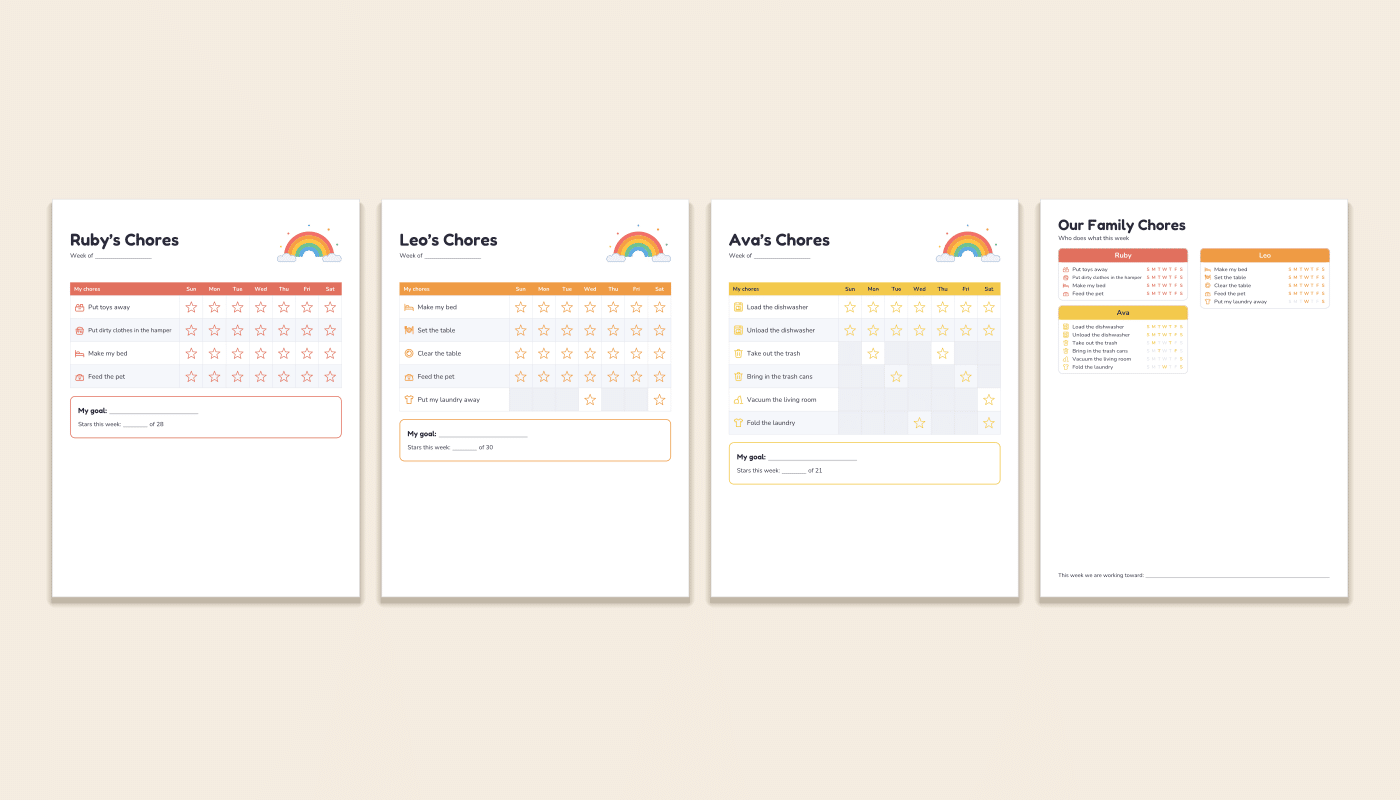
In the example, Ruby is in the 3 to 5 age group, Leo in 6 to 8 and Ava in 9 to 12. Each starts with the suggested chores for that age, so Ruby's page has four rows and Ava's has six. You type each name once, and it prints on that child's page and on the family page.
What the family page shows
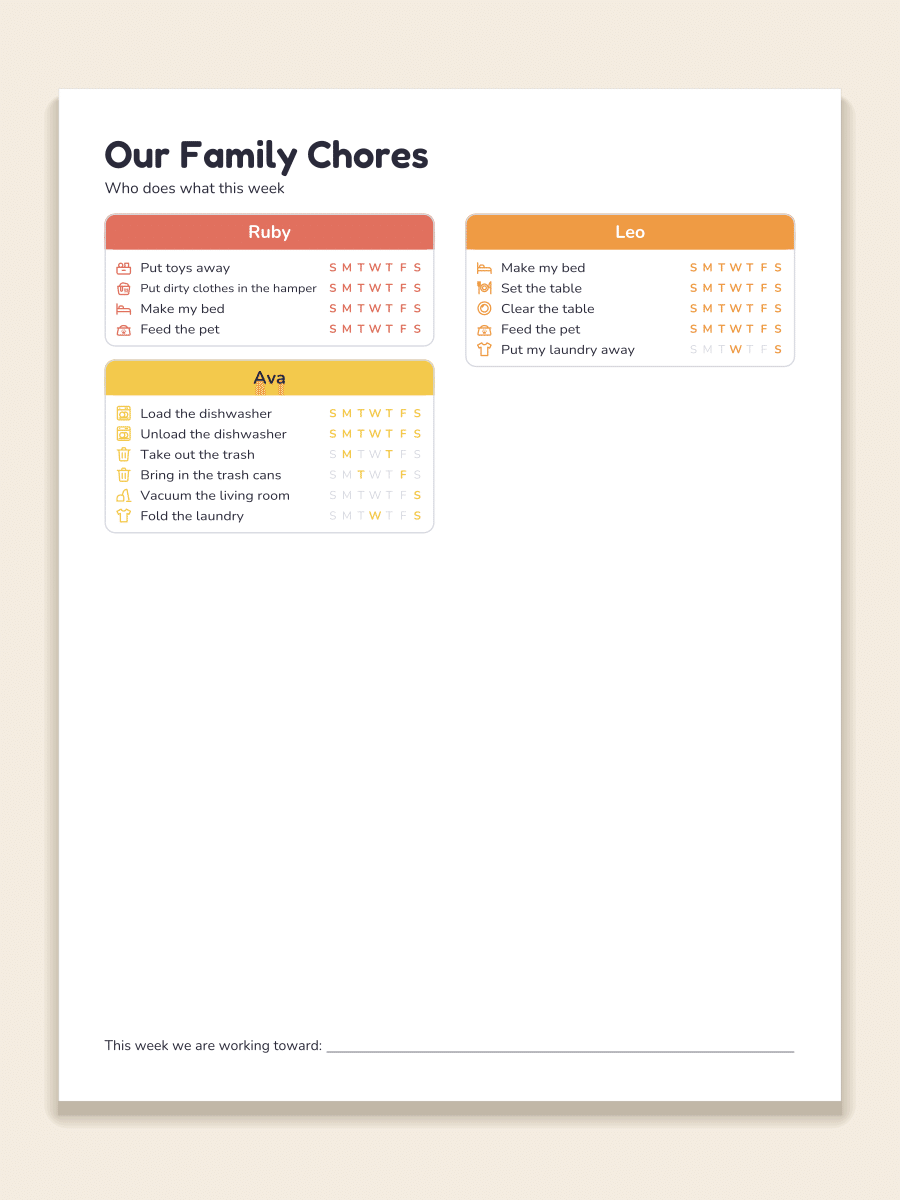
The family page has one card per person, with that person's jobs and the days each job is on.
Each card starts with a bar in the person's color and their name. Under it, every chore has a line with a small icon, the chore name and the day letters S M T W T F S. The days a chore is due are bold in the person's color; the other days are pale.
The page title reads "Our Family Chores" unless you type your own. Jobs that take turns are listed on each card under "Takes turns:", and the rotation page shows whose week it is.
A color for each child
Every person gets an accent color, and it is the same on their own page and on their card on the family page.
The color marks the chore icons, the stars and the reward box on a child's page. A child who cannot read their name yet can still find their own page on the fridge by its color. You can change each person's color in the form.
The same form for adults and kids
Adults go on the same chart: add them as people and pick the age group "Adult".
An adult gets the chores from the adult list and a card on the family page next to the kids. One order holds up to six people, each with up to 12 rows. If the dishes and the trash should move from person to person each week, turn on rotation.
Questions parents ask
What do I get after paying?
PDF files in US Letter and A4, each in color and in an ink-saver black-and-white version, plus a picture of each chart for a phone or tablet. The Family Pack adds one page per person, a family page, rotation pages and an allowance tracker.
How many chores fit on a page?
Up to 12 rows per person. Long chore names are made smaller and wrapped onto two lines so they always fit.
What if I spelled a name wrong?
For 48 hours after your purchase you can change names and chores from your download page for free. With the Family Year Bundle you can change anything for 12 months.
Is there a chart for adults or roommates?
Yes. Choose the age group "Adult", the Minimal theme and, if you like, rotation for shared jobs.
Save it for later
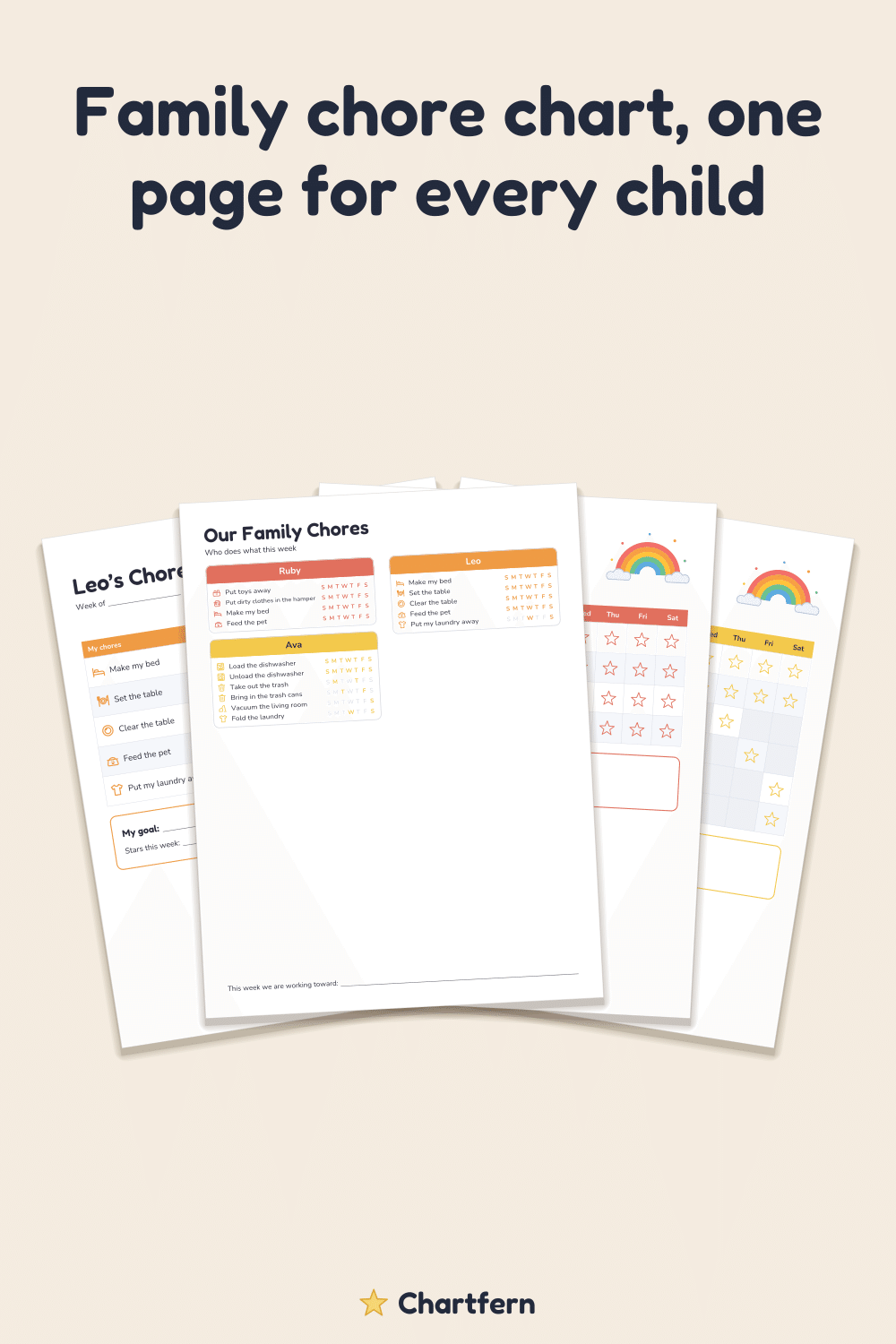
Two tall pictures of this chart, sized for a Pinterest board.
One form for the whole family
Add every child, tap their chores and swipe through each page and the family page in the preview.
Make my chart