For roommates who share a kitchen and a bathroom, from move-in week on
A roommate chore chart that rotates by itself
Add up to six names and pick the shared jobs, and the chart works out four weeks of turns. Everyone gets a weekly page and a picture of their week for the group chat.
Page 1 of 18
Family page
Start with your kids’ names
Alex
Sam
Jo
Priya
Family Pack · $12
Five shared jobs between four roommates
In the roommates example, Alex, Sam, Jo and Priya share five jobs, and each week every job moves on to the next person in the list.
| Job | Week 1 | Week 2 | Week 3 | Week 4 |
|---|---|---|---|---|
| Clean the kitchen | Alex | Sam | Jo | Priya |
| Clean the bathroom | Sam | Jo | Priya | Alex |
| Trash and recycling | Jo | Priya | Alex | Sam |
| Vacuum and mop | Priya | Alex | Sam | Jo |
| Clean out the fridge | Alex | Sam | Jo | Priya |
Five jobs do not divide evenly between four people, so each week one person has two shared jobs:
- Week 1: Alex
- Week 2: Sam
- Week 3: Jo
- Week 4: Priya
The fifth job lands on the same person as the first, so whoever cleans the kitchen that week also clears out the fridge. Over the four weeks each of you gets that double week once, and then the chart starts again at week 1.
The rule works the same for two to six people. With more people than jobs, some people get a week without a shared job. Rotation comes with the Family Pack and the Family Year Bundle.
The four-week overview page
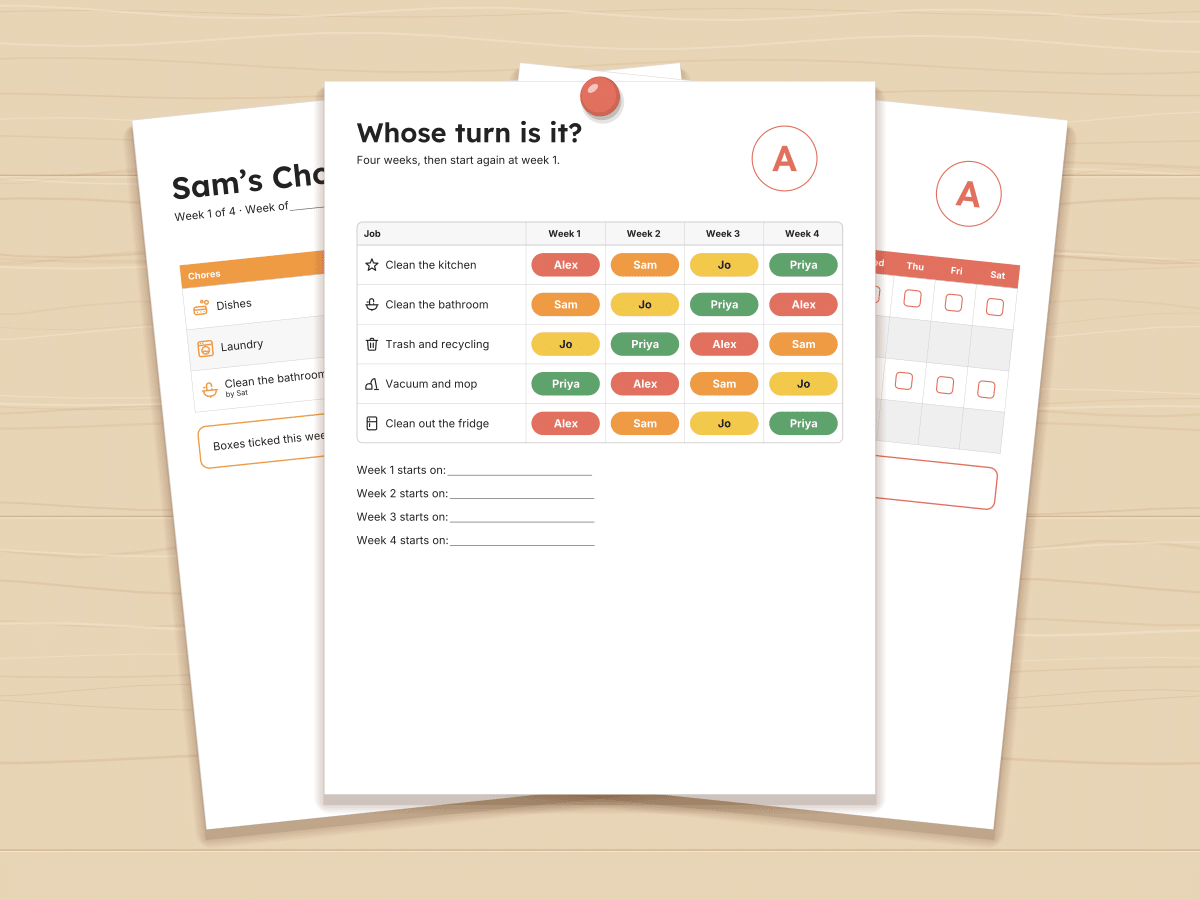
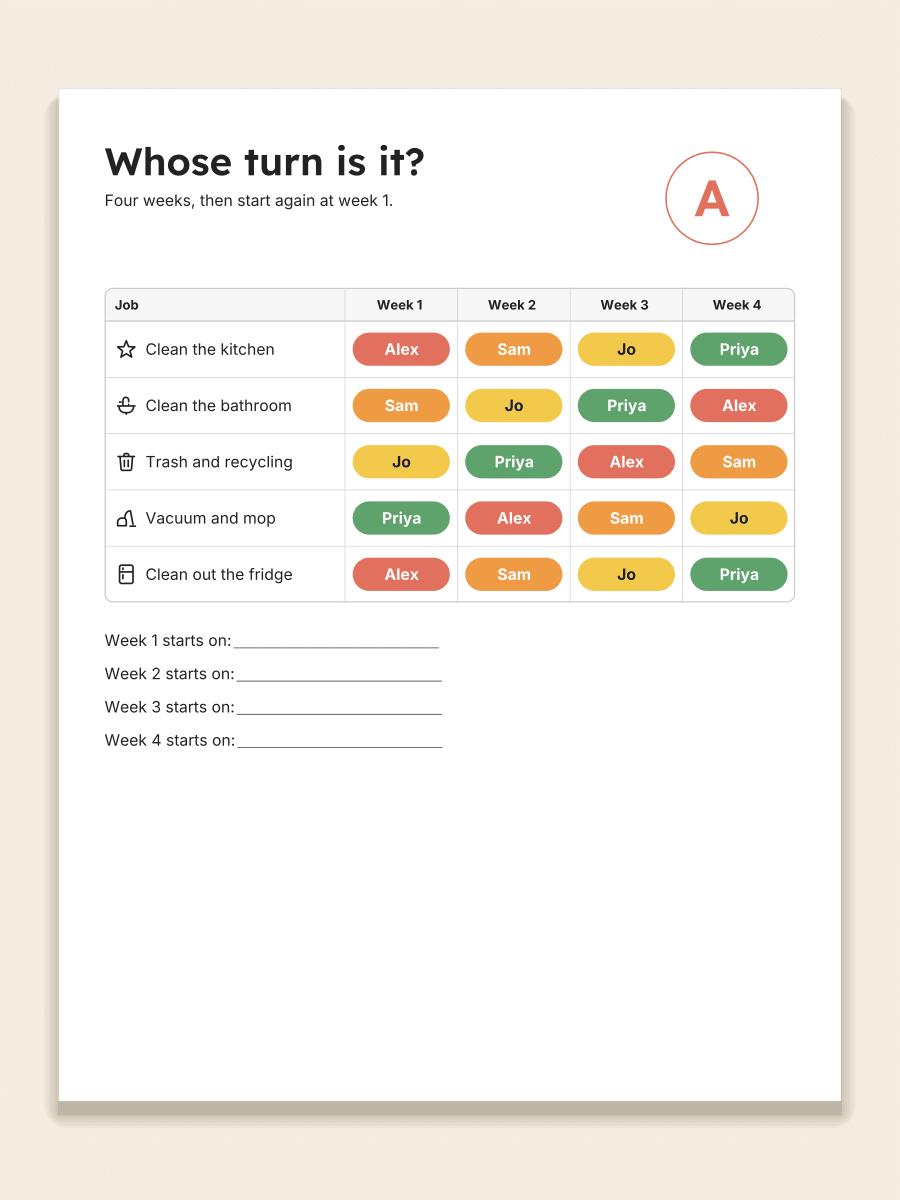
The overview page is one sheet that shows whose turn it is for every shared job in all four weeks.
It is titled Whose turn is it? and lists the jobs down the side with Week 1 to Week 4 across the top, each name in that person's color. Under the table are four lines to write the date each week starts.
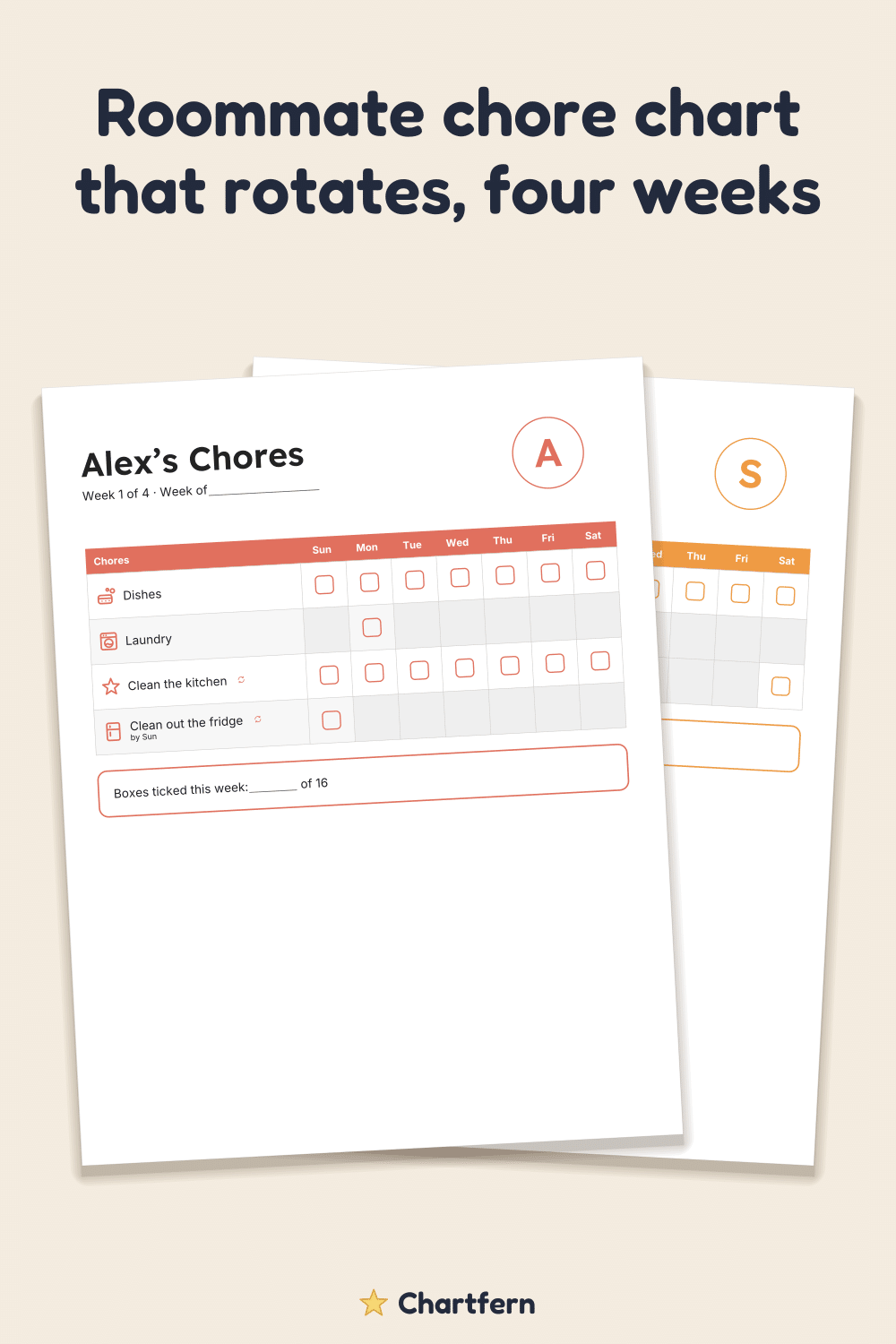
Each roommate also gets four weekly pages: their own jobs first, then that week's shared jobs with a small turn mark. Own jobs, like the dishes and laundry in the example, stay off the rotation.
A picture for the group chat
Every roommate gets a phone picture of their own week, sized for a lock screen, to send to the group chat.
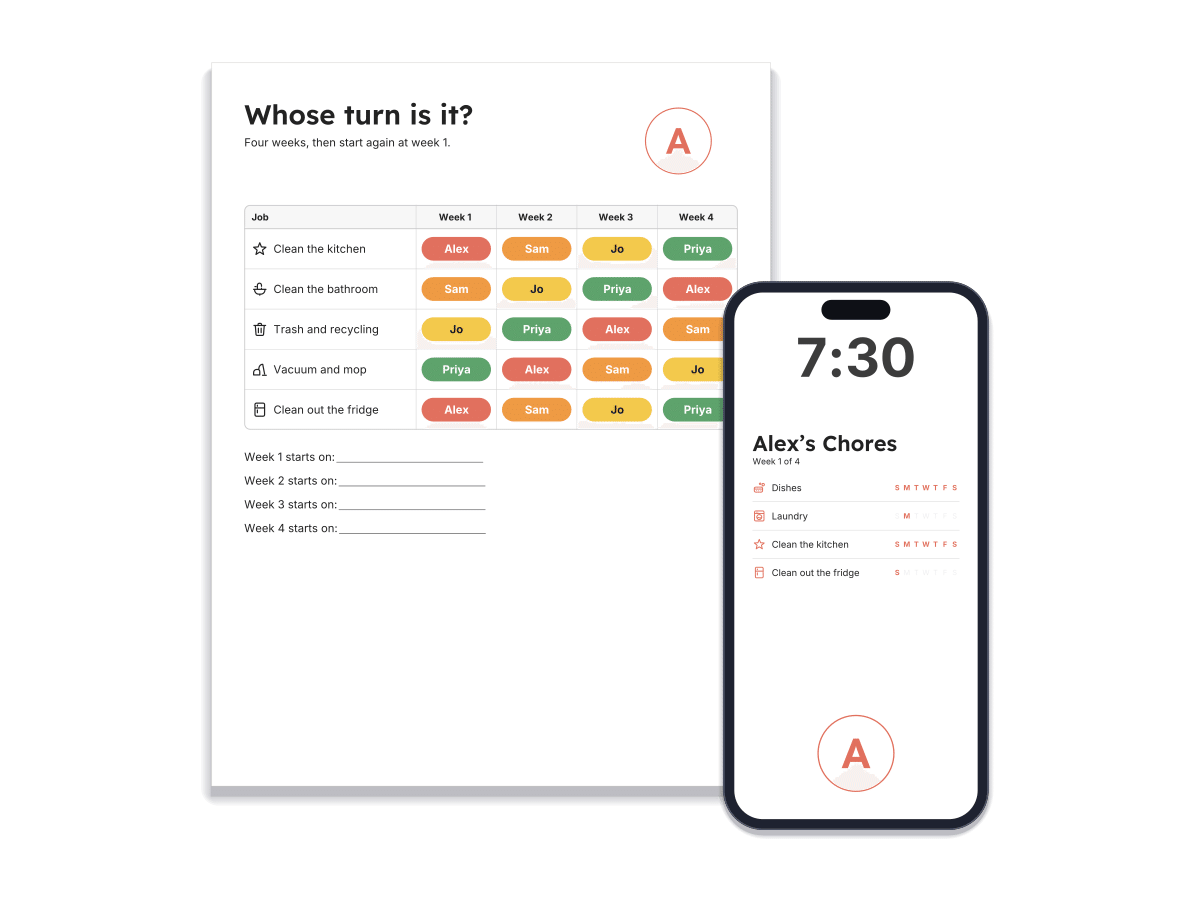
The pictures are PNG files on your download page, one per person for each week, in phone and tablet sizes. Each one lists that person's jobs with their icons and days.
The top of the picture stays plain so the clock does not cover a job. It is an image file and sends no reminders, so the printed overview on the fridge stays the place to check.
Questions parents ask
Is there a chart for adults or roommates?
Yes. Choose the age group "Adult", the Minimal theme and, if you like, rotation for shared jobs.
Can I print a fresh chart every week?
Yes. Your download link works for 12 months and you can print as many copies as you like for your own household.
Can I make it on my phone?
Yes. The form and the preview are built for a phone screen. You can pay on the phone and open the download link from your email on a computer if your printer is connected there.
Save it for later
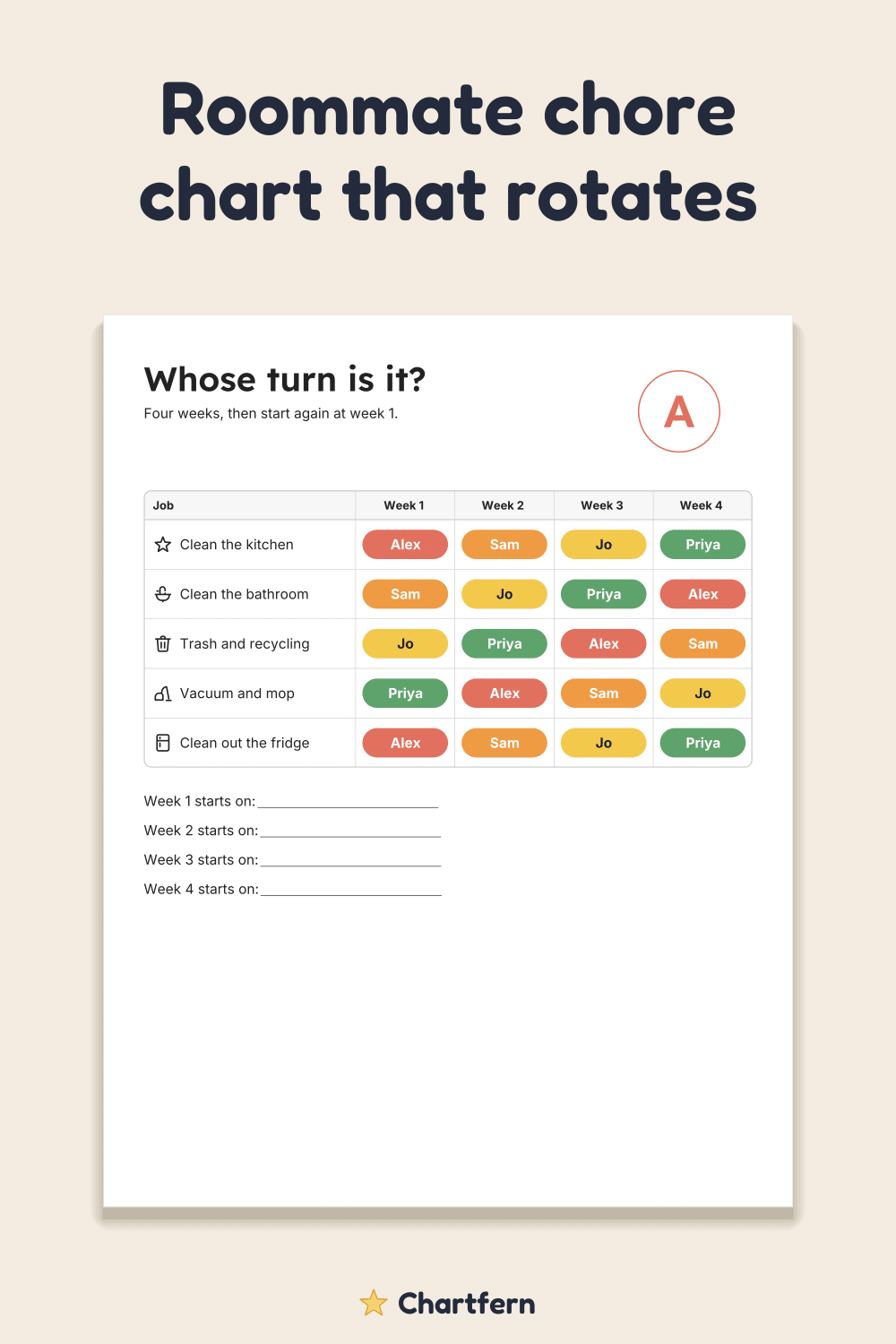
Two tall pictures of this chart, sized for a Pinterest board.
Set up the house jobs once, for four weeks
The roommates example is loaded in the maker. Put in your names, keep or change the five shared jobs, then print the pages and send the pictures to the group chat.
Make my chart